

To take the stand off an LG TV, identify the exact model, follow its stand removal diagram, disconnect the television, and support it in the position specified by the manual before releasing the stand fasteners. The method varies between models. If you are also updating your media console, plan the replacement support first: a television with its feet removed cannot safely stand on a cabinet without an approved alternative support system.
Do not start by guessing which screws to remove. LG televisions can use separate feet, centre pedestals, neck assemblies, or model specific release mechanisms. Screen size alone does not identify the correct procedure, and advice for a similar looking television may not apply to yours.
Table of Contents
Find the full model number and the correct diagram
Look for the model label on the television or in its product information menu while it is still safely installed. Record the full model and suffix, then locate the matching owner's or installation manual through LG support. The receipt, original carton, or product registration may also help establish the exact model.
Find the sections covering stand assembly, detachment, handling, and wall mounting. Some manuals show removal directly; others identify how the stand attaches and direct you to the relevant installation sequence. Read the instructions for your exact size within the model family, because stand hardware can differ between sizes.
If the diagram does not match the stand in front of you, stop and resolve the mismatch. The television may have a replacement stand, or the manual may cover a different variant. A matching diagram is more useful than a generic screw count.
Decide where the television will go afterward
Before detaching anything, choose the destination. You might be moving to a wall mount, installing a compatible tabletop support, packing for transport, or replacing damaged feet. Each destination changes what must be ready before the television loses its existing support.
For a wall mount, confirm compatibility with the exact television, including mounting pattern, weight, required hardware, and any model specific spacers or adaptors. VESA hole spacing alone does not establish screw length or complete compatibility. The wall and fixings also need a suitable installation method.
For a replacement tabletop stand, use a support explicitly compatible with the model and install it according to both sets of instructions. Decorative furniture does not replace the television's structural stand. If you are simply moving the television to another console, you may not need to remove its original feet at all.
Prepare a safe working area
Arrange another adult to help handle the television. LG's installation guidance advises against moving a television alone and warns against pressure on the display panel. For a large, unusually thin, or difficult to handle model, professional installation may be the practical choice.
Clear a stable working area large enough for the handling method specified in the manual. Remove small hard objects and arrange the recommended protective material or original packing supports. The correct position is model dependent: do not assume every television can be laid face down on an ordinary blanket.
Prepare the specified hand tools, a container for screws, labels, and a camera or phone for reference photos. A correctly fitting driver helps protect screw heads. Avoid powered tools unless the instructions expressly call for them, and do not improvise a tool when access is awkward.
Photograph the cable connections and stand assembly while the television is still safely supported. These images can help with reassembly, but they do not replace the model's diagram. Label cables so they can be disconnected without pulling or bending their ports.
Follow this removal sequence
1 Disconnect the television and external equipment
Turn the television off, unplug it from power, and disconnect the cables that could catch or place strain on a port during movement. Remove accessories only as their instructions permit. Keep cords out of the carrying route and protect any connectors that remain attached by design.
Do not open the television cabinet. Stand removal is an external installation task, not an invitation to service internal electronics. If the procedure seems to require removing the rear housing, revisit the manual or contact support.
2 Move it using the model approved support method
With help, move the television to the prepared working area using the permitted grip and support positions. Keep pressure off the display. Do not lift by the stand neck, cables, or a thin unsupported section of the screen.
Follow the exact orientation shown in the manual. Some model specific instructions use particular packing supports or handling positions. A generic face down instruction should never override those directions, especially for thin displays and unusual stand designs.
3 Identify the stand fasteners before turning a tool
Match each fastener to the removal diagram. Distinguish stand screws from wall mounting holes and rear cabinet screws. The screws nearest the stand are not automatically all part of the stand assembly.
If a cover hides the attachment, remove that cover only by the documented method. Do not pry along the television's rear housing or force a plastic seam. Resistance can indicate a hidden fastener, a different release direction, or the wrong component.
4 Support the stand and release it as directed
Have the stand supported while its final retaining fastener or release is disengaged. Remove only the specified hardware, keeping each group separate. Follow the illustrated direction when sliding or lifting the stand free, and avoid twisting the television to overcome resistance.
If the stand does not release, stop and recheck the instructions. Pulling harder can transfer force into the chassis or display. Do not remove additional unrelated screws as an experiment.
5 Store the hardware and complete the new support
Label the stand parts and screws with the television model, then store them together. Stand screws should not automatically be reused for a wall bracket; the required type and length may differ. Keep any covers or spacers identified by the manual.
Install the approved replacement support or complete the prepared mounting procedure before returning the television upright. Never leave a standless television balanced on its lower edge or leaning unsecured against furniture.
Common problems and the appropriate next step
Problem | Possible explanation | Next step |
Screw count differs from a tutorial | Different model or size variant | Use the exact manual |
Stand resists movement | Hidden fastener or wrong release direction | Stop and recheck the diagram |
Screw head begins to strip | Poor tool fit or excessive resistance | Stop before further damage |
Television cannot be supported as shown | Workspace or handling method is unsuitable | Arrange the correct setup or professional help |
Replacement support hardware does not match | Incompatible kit or missing model specific parts | Confirm compatibility before continuing |
Do not drill, cut, lever, or modify the stand attachment to make it release. If a screw is damaged or a component seems seized, contact the manufacturer or an appropriate repair professional. A brief pause is preferable to turning an installation task into display damage.
Choose a console for the finished setup
A console should fit the installed television arrangement, not merely the screen's diagonal size. If the original feet remain, measure their full span and depth. Confirm the cabinet's supported top area and load rating, and keep every foot fully supported as instructed.
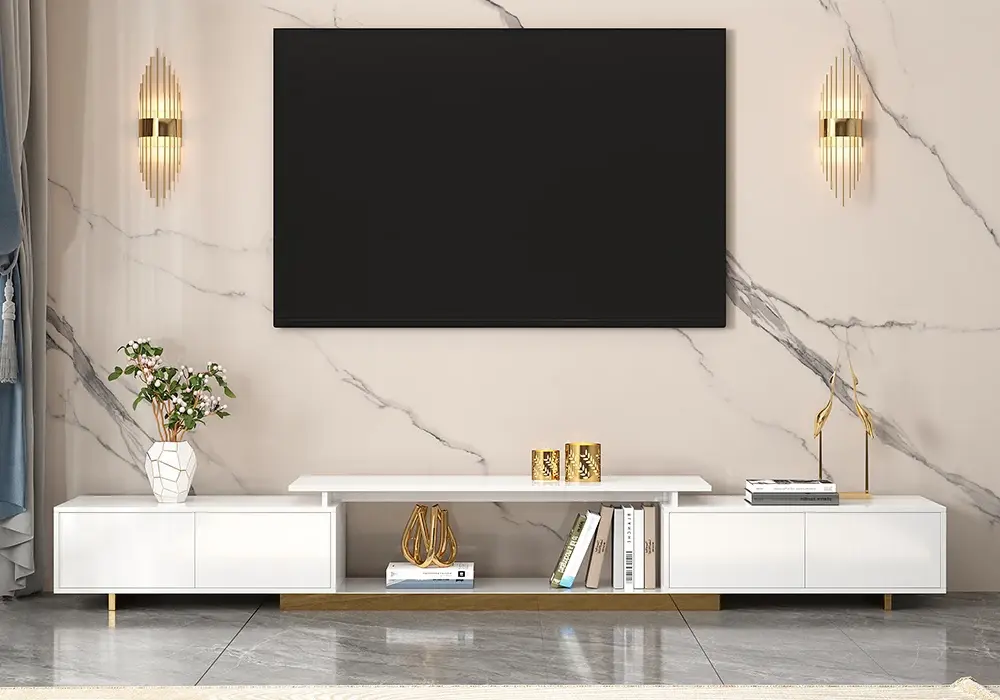
The Mordel Extendable Hidden Storage TV Stand offers an adjustable furniture footprint for a media arrangement. Its extension feature does not act as a television mounting bracket. Confirm the permitted support positions and load information for the chosen configuration before placing a television on it.
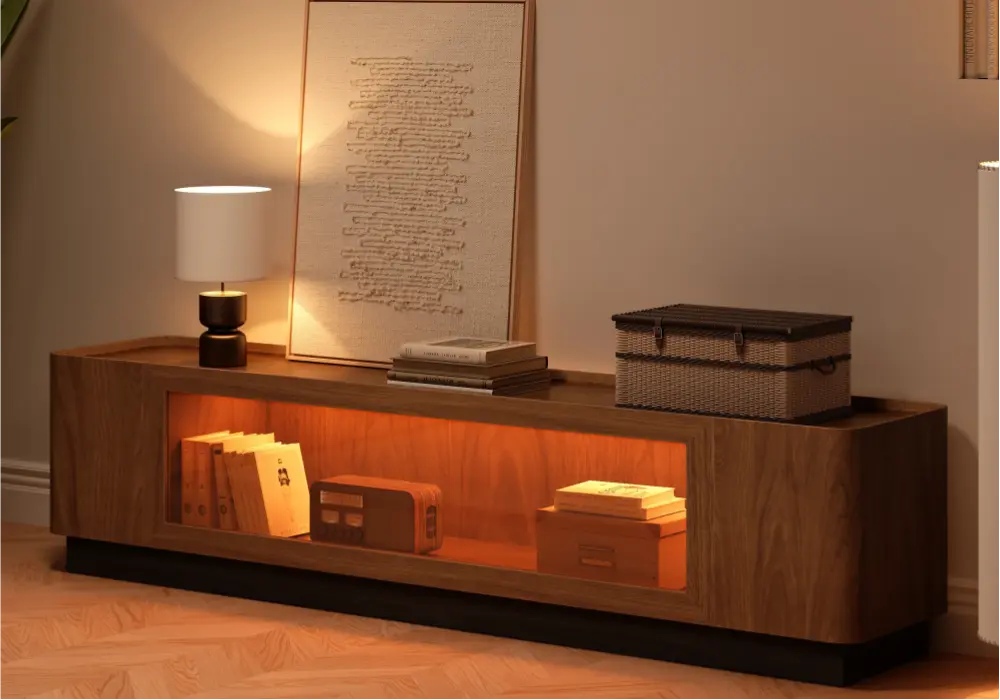
The 79 Inch Walnut Veneer Glass Door LED TV Stand provides enclosed media storage and integrated lighting. Plan ventilation, cable access, and the actual television support separately. Leave equipment clearance according to each device's instructions rather than filling every compartment completely.
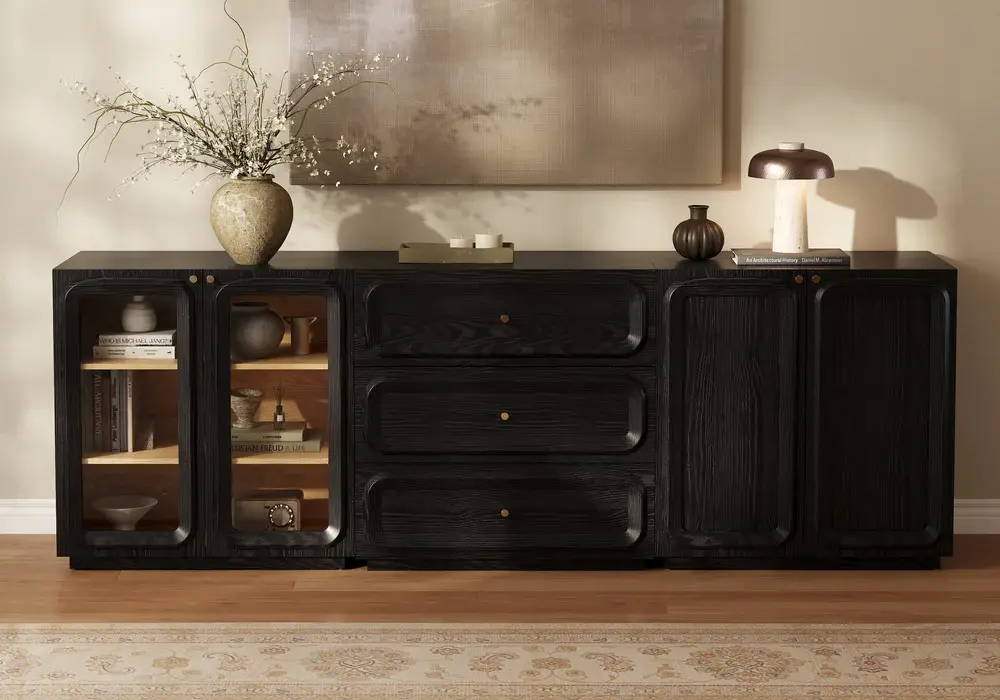
The 94 Inch Ash Veneer Glass Door LED TV Stand is another storage option beneath a planned television installation. Its overall furniture width does not establish a compatible television size or top loading arrangement. Verify the specific configuration and support guidance before using it as a television bearing surface.
For a wall mounted television, position the console after checking viewing height, cable routes, and access to equipment. Keep the mount's structural requirements independent from the cabinet. Secure furniture and equipment against tipping as their instructions require.
Frequently Asked Questions
Do all LG TV stands come off the same way?
No. The attachment can differ by model, screen size, and stand type. Use the full model number to locate the correct diagram, and stop if the instructions do not match the installed hardware.
How many screws hold an LG TV stand?
There is no universal number. Some models use different screw groups or additional release details. Remove only the fasteners identified for stand detachment in the exact manual.
Can I remove the stand while the television is upright?
Follow the model's specified handling position. Do not attempt upright removal simply to avoid preparing a workspace. The television must remain properly supported throughout the procedure, usually with another person's help.
Can I lay an OLED television face down?
Use only the position and support method specified for that model. Thin displays can require particular handling and packing supports. A generic blanket on a table is not automatically an approved setup.
Can I use the stand screws for a wall mount?
Do not assume so. Mounting hardware must match the television and bracket instructions, including length, thread, and spacers. A screw that fits a hole can still be too long or otherwise unsuitable.
Do I need to remove the feet to change the media console?
Often you can move the television with its stand attached if the handling instructions allow it and the new console fits. Measure the feet, support area, and load rating before deciding removal is necessary.
What should I do if the stand will not release?
Stop, compare the attachment with the model diagram, and check for a documented cover or remaining fastener. If it still resists, seek support. Do not pry the chassis or remove unrelated rear screws.